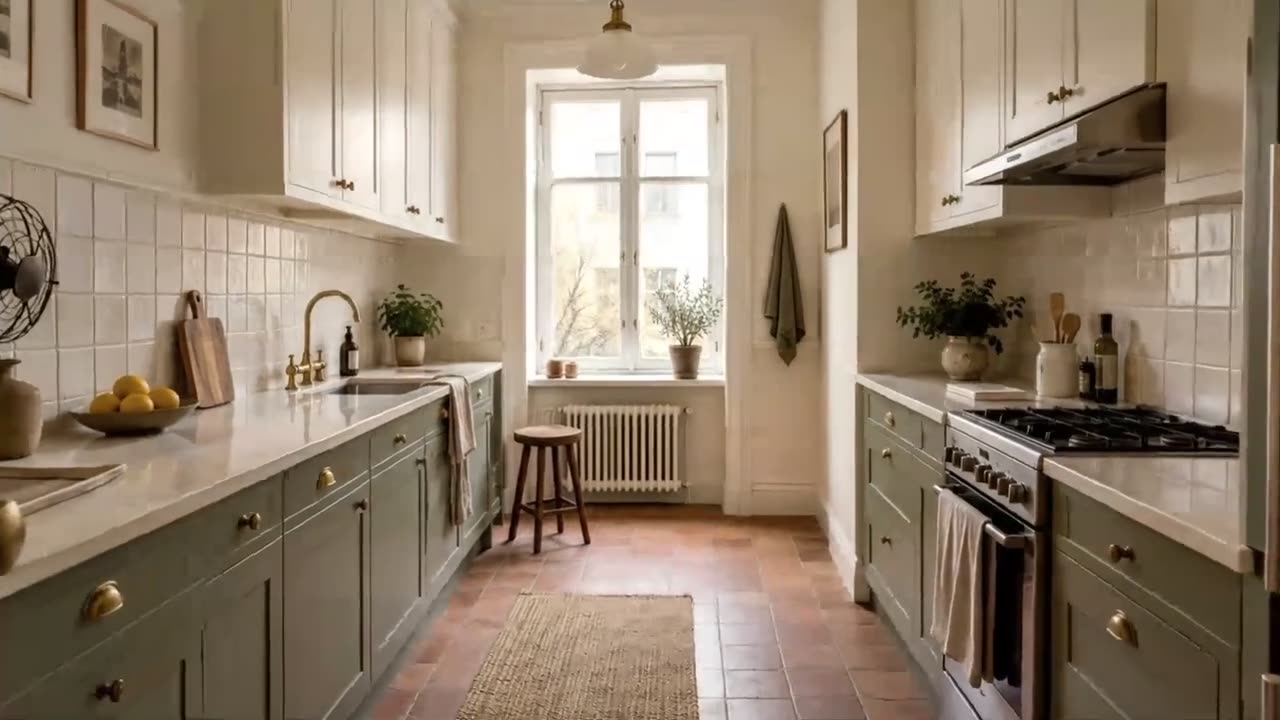
Turn listing photos into an AI real estate video
These 5 listing photos this video




Upload 5-8 listing photos. MotionCasa gives each one its own AI camera move, then cuts them into ready-to-post reels with titles, music and your branding.
Start with 5-8 listing photos
JPG, PNG or WebP, straight from your camera roll or MLS export
Rendering AI video requires Google sign-in and credits: $19 per listing. Before you sign in, you can only check your photo order in a free local browser preview.
- $19
- per listing
- ~10 min
- to finished reels
- $0
- for failed clips
$19 per listing
Pay once. No monthly plan
Real AI camera motion
Not a pan-and-zoom slideshow
6 reel styles, 1 generation
9:16, 16:9 or 1:1 exports
Failed clips cost nothing
Reserved credits return automatically
See the real estate video, not just a motion test
Same apartment, same five photos, composed into a 17-second Luxury reel. Switch between phone, landscape and square: all three come from one generation.
- Phone 9:16, landscape 16:9 and square 1:1 from the same clips
- Six reel templates; switching templates never spends more credits
- Downloadable MP4 with music, ready to post
Another listing, another style
A second set of listing photos in the fast-cut Social template, 16 seconds, vertical for Reels and TikTok.
$19 per listing
Skip the shoot. Keep the camera motion.
Hire a videographer
$530 average
- A shoot to schedule at the property
- Real camera motion
Photo slideshow app
Free or low cost
- Ready right away
- Photos only pan and zoom, no real camera motion
MotionCasa
$19 per listing
- About 10 minutes, no shoot to schedule
- Real AI camera motion from your listing photos
Videographer figure: average cost of a 1-minute real estate video, per RubyHome (2026). Prices vary by market and package.
The four things agents ask first
Will my listing look this good?
Each clip is made from your own photo, not a stock template. Preview your photo order free in the browser, then review every AI clip before it goes into a reel. A Redo of one clip uses 150 credits.
How long does it take?
About 5-10 minutes for a full listing. You can close the tab; your saved listing keeps going.
What does it cost?
$19 for one listing of up to 8 photos. $49 for 3, $99 for 7. No subscription and no minimum.
What if I don't like a clip?
Finished videos are not refunded for dissatisfaction. Failed renders get one retry. You may leave out a delivered clip for free or request an intentional paid redo for 150 credits. A completely unused pack is fully refundable within 7 days.
What is AI camera motion?
AI camera motion turns one still photo into a short clip with a simulated camera move: a slow push-in, a lateral pan, or an orbit. MotionCasa renders one 5-second clip per listing photo, so a 5-8 photo listing becomes a set of moving shots you assemble into a reel.
Pricing is per listing, not per month: a one-time $19 pack covers a full listing of up to 8 clips at 150 credits each, with no subscription. Rendering runs on an external video model, so the AI step starts with a Google sign-in; the local browser preview of photo order and pacing uploads nothing and spends no credits.
Built for listing videos, priced per listing
Camera motion, not a slideshow
Each photo gets its own AI camera move, so the room feels filmed instead of panned across.
Pay per listing
$19 covers a full eight-photo listing, and packs bring it to about $14. No monthly plan to keep paying when you have no new listings.
One generation, six reels
Reuse the same clips across six templates and vertical, horizontal or square exports. Changing the template, text or music never costs another credit.
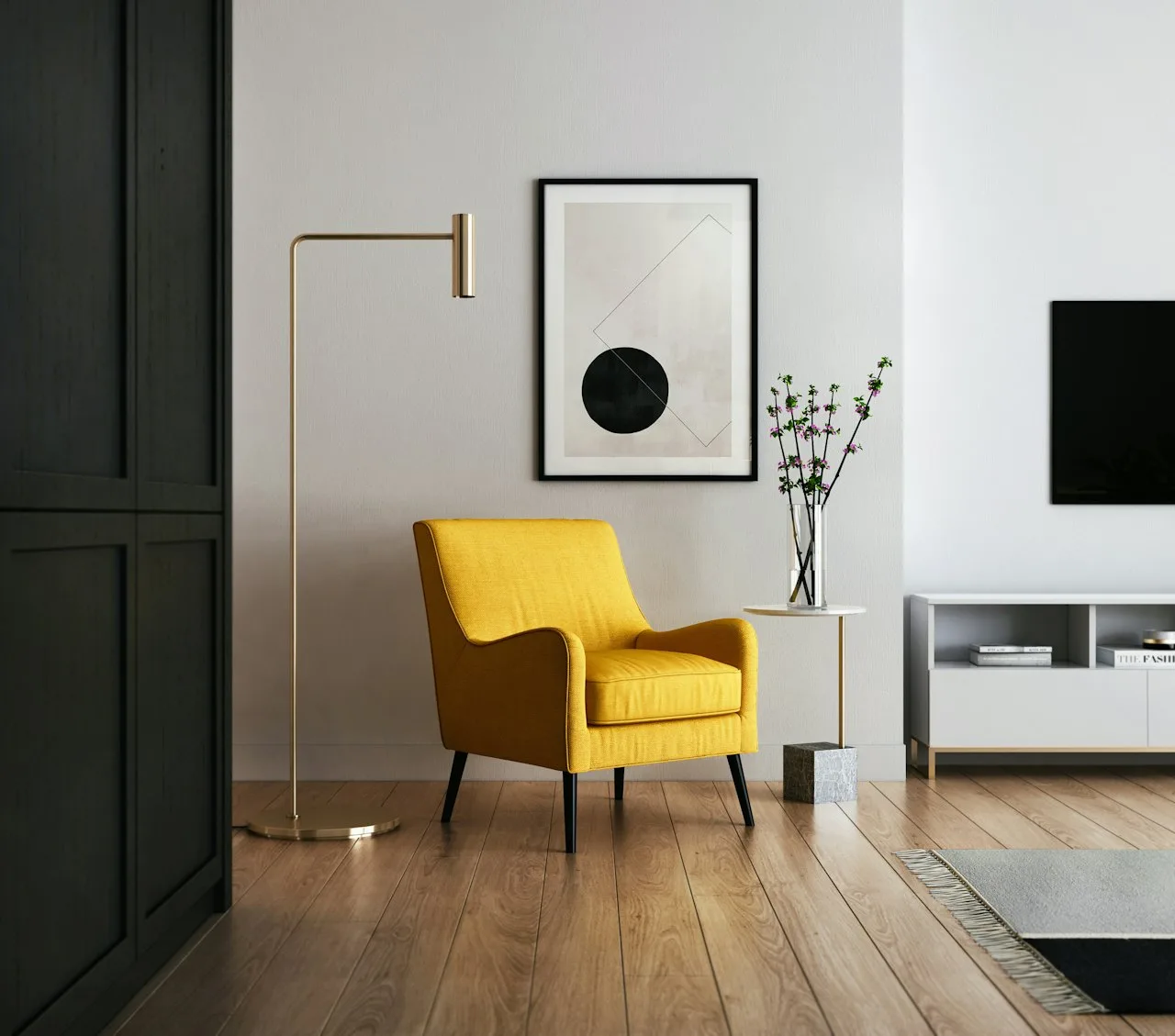
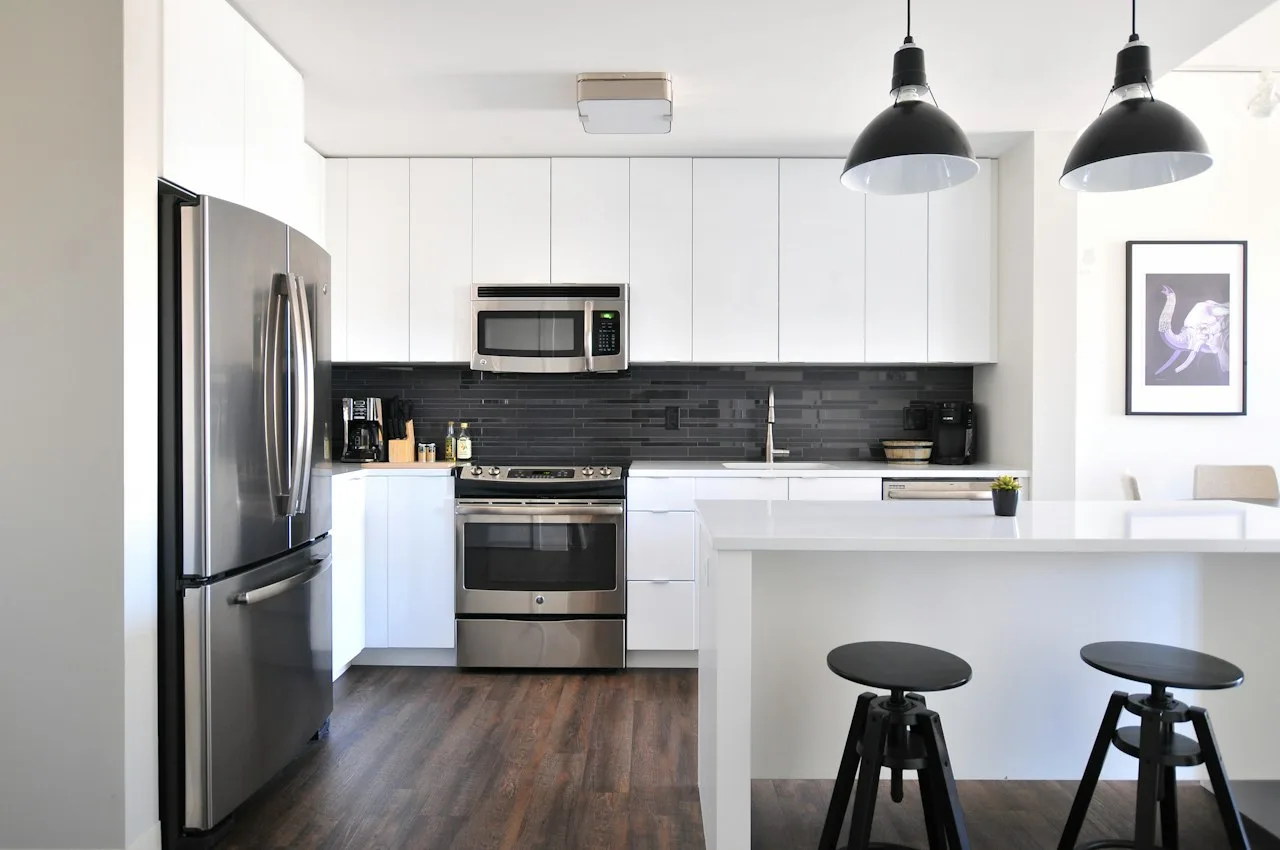
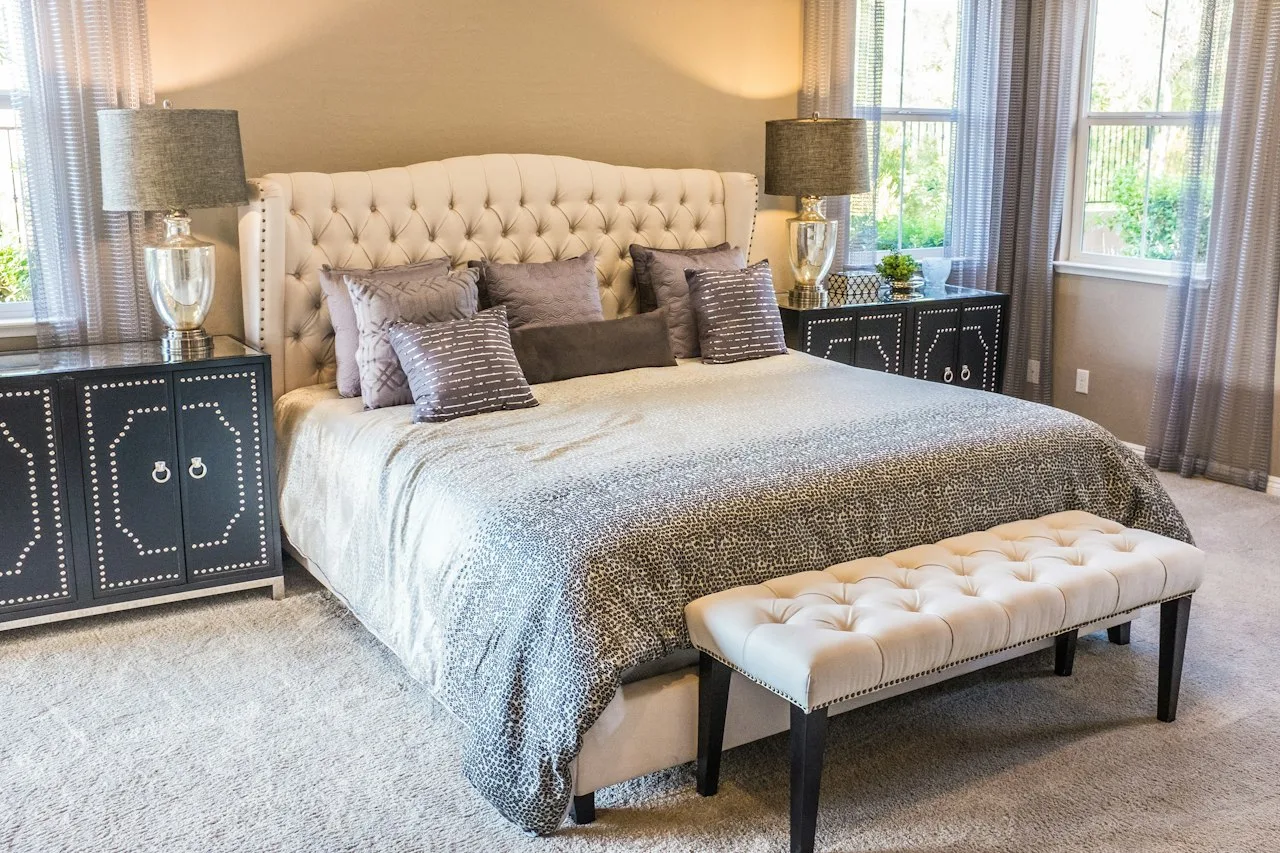
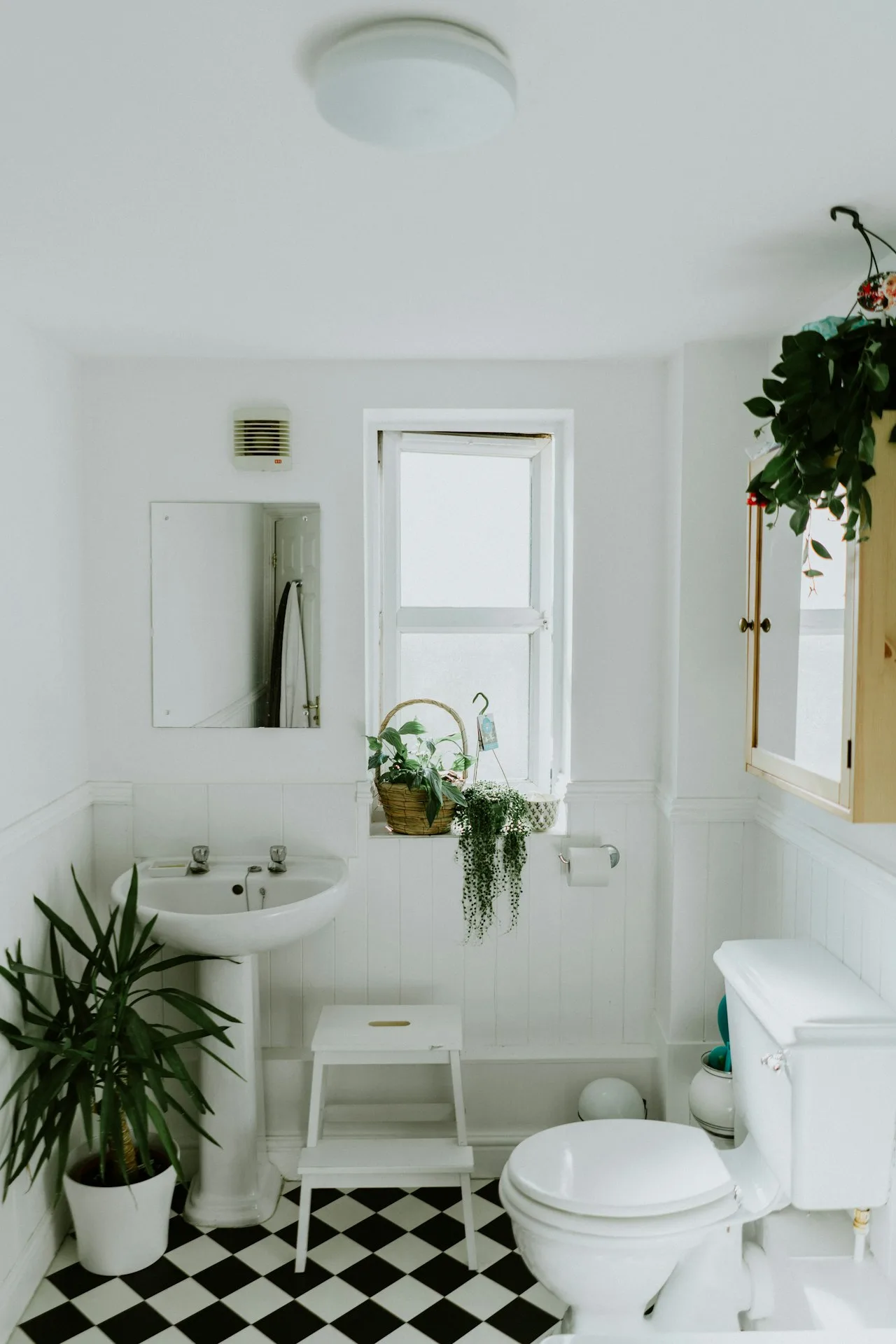
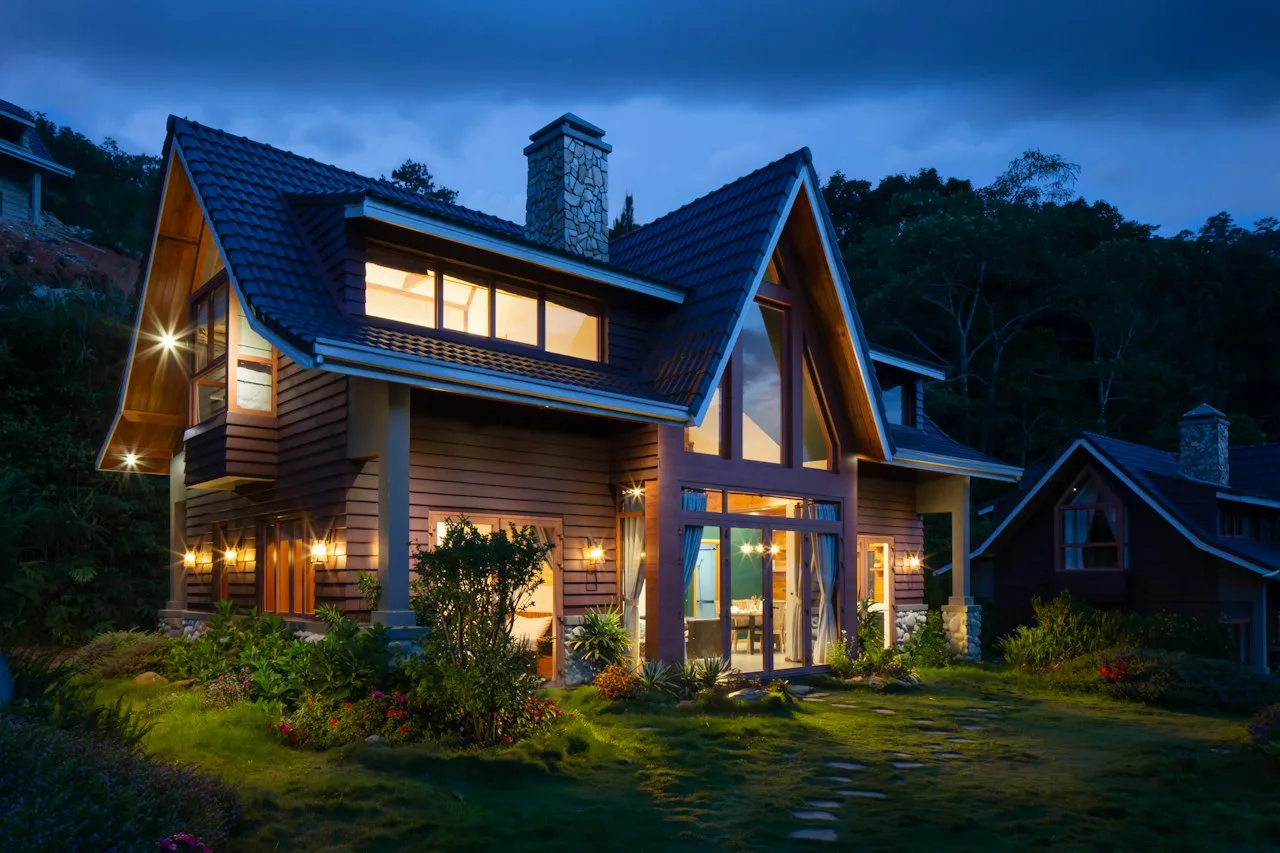

How AI real estate video works in three steps
Preview your sequence free in the browser, then generate AI clips when the listing is ready.
- 01
Upload
Drop in 5-8 listing photos (JPG, PNG or WebP). Reorder them until the walkthrough flows.
- 02
Generate
Each photo becomes its own 5-second AI camera-motion clip, one per room.
- 03
Download
Download the source clips, then export any of the six 9:16 reel templates individually or in sequence. Reusing the source clips does not require another video generation fee.
A focused workflow for listing professionals
Real estate agents
Turn the best photos from a listing into a reel for Instagram, TikTok or your listing page. Add the address, price and your branding, then export vertical or horizontal.
Property photographers
Add a video deliverable to every shoot without filming anything new. Save your branding once and hand clients both a branded and an MLS-clean version.
Small media businesses
Reuse approved clips across six templates and three aspect ratios. Saved projects let you come back to a job and re-export at any time.
Try your photo sequence free
Without signing in, Studio plays a local pan-and-zoom preview of your photo order in the browser. Nothing is uploaded. Uploading for real AI camera motion and rendering requires Google sign-in and a credit pack.
Try your photo sequenceAI real estate video pricing, per listing
One-time credit packs. No subscription: pay when a listing needs videos.
1 listing
$19per listing
Up to 8 photos · 6 reel styles
Each video is made by AI and may differ from your property photos. Finished videos aren't refunded or remade.
Choose this pack3 listings
Most popular$49$16.33 each
Three listings · use within 1 year
Each video is made by AI and may differ from your property photos. Finished videos aren't refunded or remade.
Choose this pack7 listings
$99$14.14 each
For photographers and busy teams
Each video is made by AI and may differ from your property photos. Finished videos aren't refunded or remade.
Choose this packOnly charged for videos we deliver.
Frequently asked questions
What agents and photographers ask before turning photos into video.
Will the video match my property exactly?
MotionCasa makes property videos. AI may alter rooms, geometry and details. Finished videos are not refunded for dissatisfaction; an intentional paid redo costs 150 credits. Failed renders get one retry.
How long does a listing video take?
Most listings are ready in about 5–10 minutes. Studio shows live progress for every clip, and you can close the tab and come back to the saved listing later. The 5 seconds is each clip's playback length, not how long it takes to make.
How many photos can I use?
Use 5-8 photos per listing. Pick an exterior, the main living space and the rooms that sell the property best. Batches above eight photos aren't supported yet.
How long is the finished video?
Each photo produces a roughly 5-second source clip, giving 25–40 seconds of source footage for a complete 5–8 photo batch. Finished reel length depends on the template, selected clips, transitions and closing card. A short teaser and a tour edit do not have the same runtime.
Can I export vertical, horizontal and square videos?
Yes. The reel composer supports 9:16 for vertical posts, 16:9 for horizontal delivery and 1:1 for square posts. Reframe and review each version before sharing: changing the crop can hide important property details or text. Source generation and final reel framing are separate choices.
What can I try for free?
The local preview only. Without signing in you can load your photos and play a simple pan-and-zoom preview of the order in your browser. Nothing is uploaded. Real AI camera motion requires Google sign-in and credits.
Do I need a credit card to start?
No card or login is needed for the local preview. To generate AI clips, sign in with Google and purchase a one-time credit pack. Signing in does not charge you. Checkout shows the pack price before payment, and there is no recurring subscription.
Can I use the included music for client videos?
The included tracks come from Mixkit under its Stock Music Free License, which permits commercial web and social video projects, including online advertisements. Deliver the music within the finished video, not as a separate audio product. TV, radio, games and physical-media uses are outside that license; check the linked terms for your intended use.
What if one AI clip is not usable?
Finished property videos are not refunded or remade for dissatisfaction. An intentional redo is a new paid generation and costs 150 credits. Failed renders get one retry; after that the returned failed allowance is held for manual support and cannot start more generation. Unknown outcomes are reconciled for up to 24 hours, then treated as failed if still unresolved. No automatic paid resubmission or cash refund.
Can I edit after generation?
Yes. Reorder or exclude delivered clips, choose a reel template, change the property text, branding, music and output ratio, and edit or turn off captions before exporting again. Reusing delivered clips in local templates does not incur another AI-video generation charge. Creating a new AI clip is a separate paid action.
What resolution and file format do I get?
Finished reels use a 1080 × 1920 vertical, 1920 × 1080 horizontal or 1080 × 1080 square canvas. Export prefers MP4; browsers without a compatible recorder may produce WebM instead. AI source clips are generated at 720p, so the final canvas size does not mean native 1080p AI detail. Check the downloaded file before client delivery.
Does the export have a watermark?
The browser composer does not add a MotionCasa watermark to finished reels. Your own logo, headshot and contact details are optional branding. Choose MLS-clean to remove agent branding and review any property text yourself. The free preview remains a different, simpler output even though it is also downloadable.
Can I deliver a video for MLS use?
Use the MLS-clean version to omit agent logos, headshots, contact details and branded closing cards. This is a formatting option, not MLS certification. Check your local MLS rules, all visible text and any narration before submitting. AI can alter rooms, furniture or geometry; compare every clip with the source photos and exclude misleading results.
How is this different from a slideshow or a general editor?
The free preview moves across still photos. Paid generation creates AI camera-motion source clips, which you review and assemble into six real-estate reel styles. The workflow focuses on listing photos, property information and delivery formats. It does not replace an on-site camera shoot, a measured 3D tour or a full timeline editor.
What photo files can I upload?
Use JPG, PNG or WebP files, each no larger than 10 MiB (10,485,760 bytes). Upload clear photos you are authorized to use and avoid screenshots, tiny crops or visible private information. Pick images with similar framing where possible; cropping cannot recover rooms or details outside the original photograph.
What does one listing cost?
The one-time packs are $19 for 1,200 credits, $49 for 3,600 and $99 for 8,400. An eight-photo listing uses 1,200 credits, so that's $19, about $16.33 or about $14.14 per listing. Redos use additional credits.
Who owns my photos, and can you use them as examples?
You retain rights you already hold in uploaded content and must have permission to use it. We process photos and outputs to provide the requested service, including AI generation, moderation and storage. Uploading does not give us permission to publish your listing as a marketing example; that requires separate permission. AI-output rights may depend on applicable law and third-party terms.
Read the service terms, privacy policy and music license before client delivery.
Your next listing deserves a video
Upload 5-8 listing photos and get finished reels with real camera motion in about 10 minutes, in phone, landscape and square formats.
$19 per listing · pay once, no plan · failed clips cost nothing