Property video examples and concept images
A city apartment, a suburban house and a country cottage need different visual priorities. Use these concept images to think about the photos you would choose for a listing video, then watch the completed reel below to see an actual composed output.
Before and after: one photo, one rendered clip
The first image is the photo that went into MotionCasa. The second is the 5-second clip it rendered from that single photo. The input is an AI-generated concept villa, not a real listing.
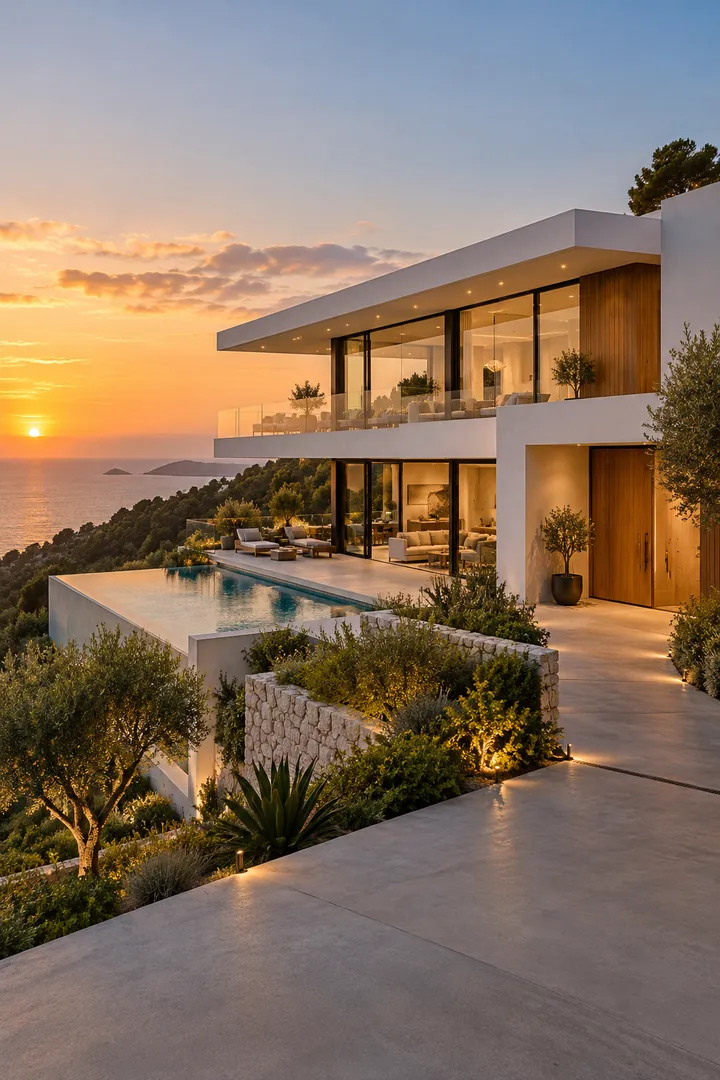
The three images below were generated with GPT for this demonstration. They depict fictional properties, not homes for sale or customer projects. They are concept images, not outputs from the MotionCasa video generator.
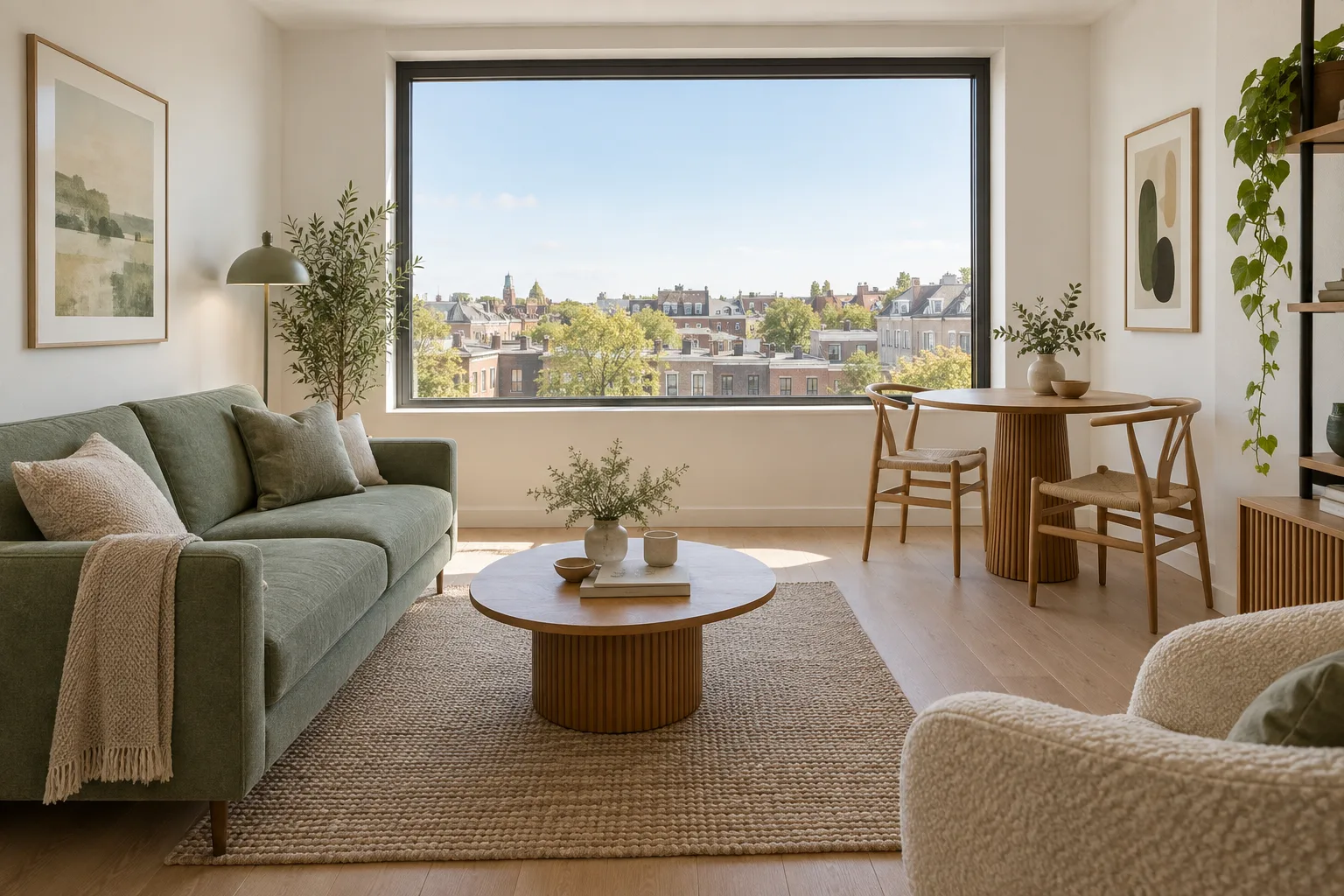
City apartment
A compact living and dining space with a bright window. For a complete listing, add separate views of the kitchen, bedroom, bathroom and exterior or shared entrance. During video review, check window frames, table legs and the view outside: plausible motion can still introduce details that were never in the photo.
1 concept image · no matching AI video published
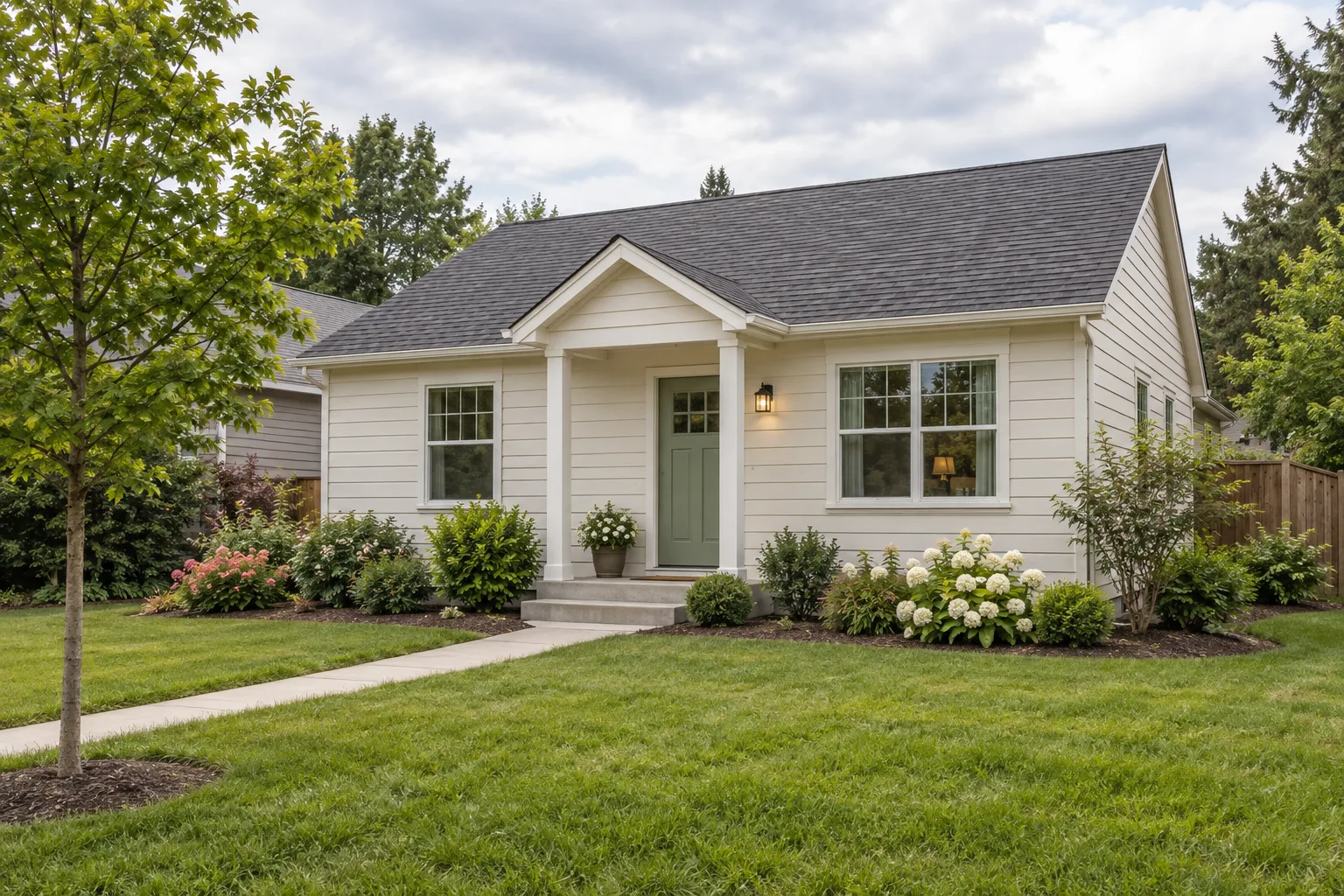
Suburban family house
An exterior-led concept with a porch and garden. A real listing sequence might start here, then move to the living room, kitchen, bedrooms and outdoor space. Each photo becomes a separate source clip; putting rooms in sequence does not prove a physically accurate walk between them.
1 concept image · no matching AI video published
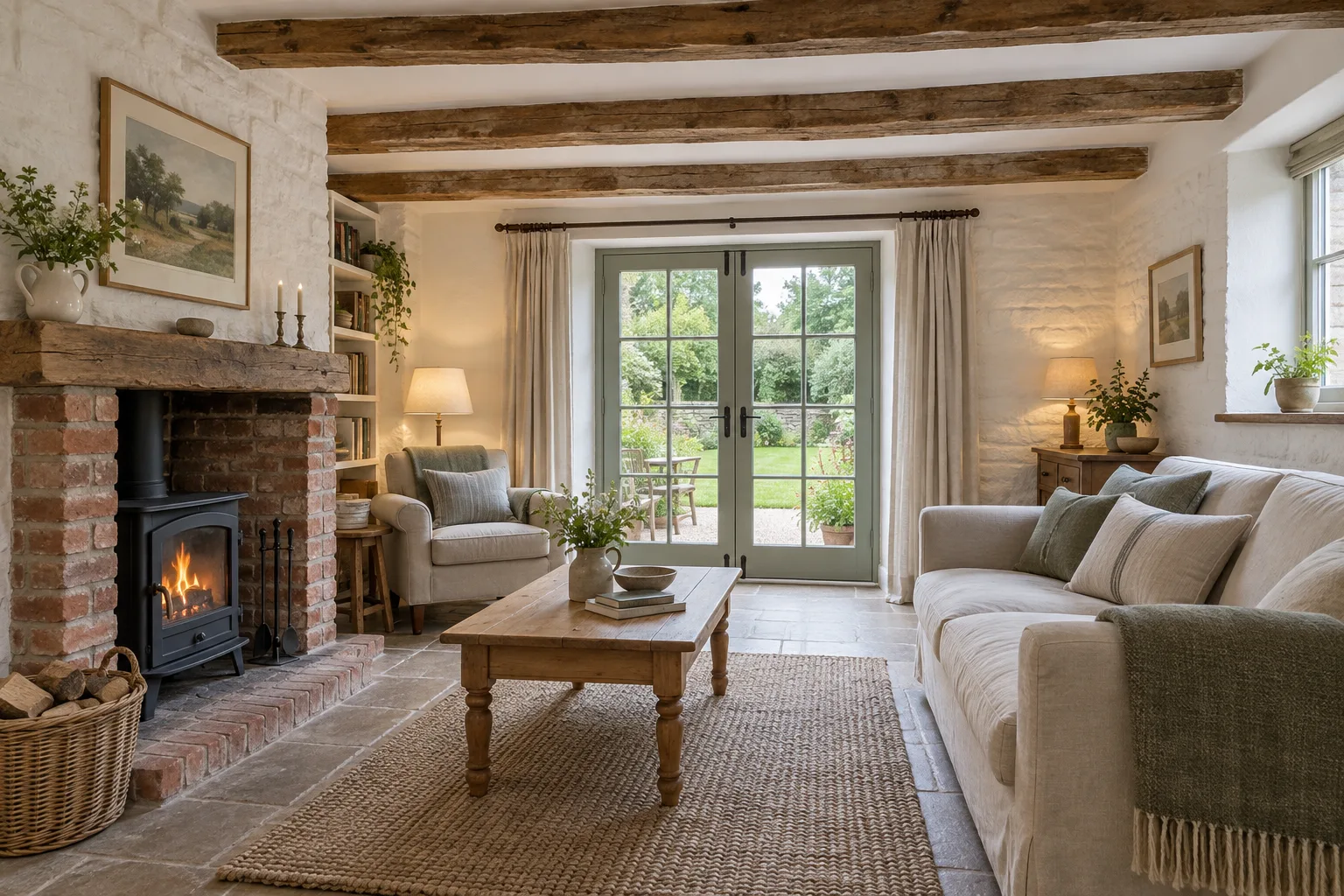
Country cottage
A warm interior with beams, stonework and garden doors. Textured surfaces and reflections deserve close review because AI movement can distort their edges. Choose the images that explain a real property clearly, keep the generated movement conservative and remove any clip that changes a material feature.
1 concept image · no matching AI video published
What to check in a finished reel
Compare each scene against its original image before judging the music or transitions. Look for altered doorways, extra furniture, changed dimensions and invented views. Check captions, property facts, crops and any contact information in every exported ratio. An appealing concept image cannot establish that the AI will preserve a real home accurately.
The playable reel below is an existing completed output from the MotionCasa composer. It uses a different example image set, not the three concepts above. It demonstrates a finished video format, without claiming a customer testimonial, sale result or guaranteed representation of a real property.
See the real estate video, not just a motion test
Same home, same five photos, composed into a 17-second Luxury reel. Switch between phone, landscape and square: all three come from one generation.
- Phone 9:16, landscape 16:9 and square 1:1 from the same clips
- Six reel templates; switching templates never spends more credits
- Downloadable MP4 with music, ready to post
Same photos, another style
The same 5 sample photos in the fast-cut Social template: 14 seconds, vertical for Reels and TikTok. Switching templates uses no extra credits.
$19 per listing